Storing a New Offcut
Open the Store page, enter the offcut details, choose the location where the offcut will be stored, and click Store. The system assigns the next board code automatically.
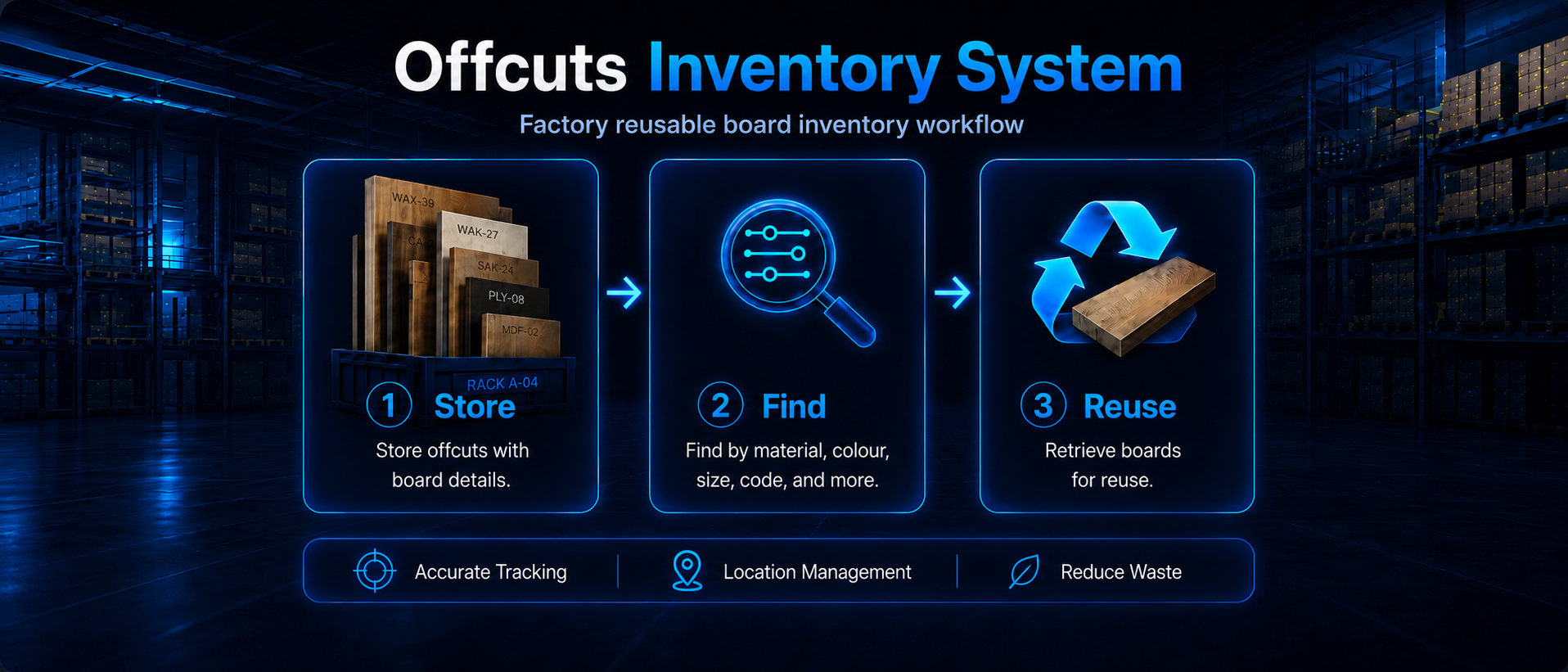
This is a Django-based inventory system for tracking reusable board offcuts in a factory environment. Staff can store, search, relocate, and withdraw offcuts using board codes, material details, dimensions, colours, and storage locations.
Open the Store page, enter the offcut details, choose the location where the offcut will be stored, and click Store. The system assigns the next board code automatically.
Open the Search page and choose the relevant filters. Then, check the result code and location, go to that location and look for the offcut with the matching code.
Find the offcut from the Search page, open the action menu, then choose Relocate to move it to another storage position or Withdraw to remove it from active inventory.
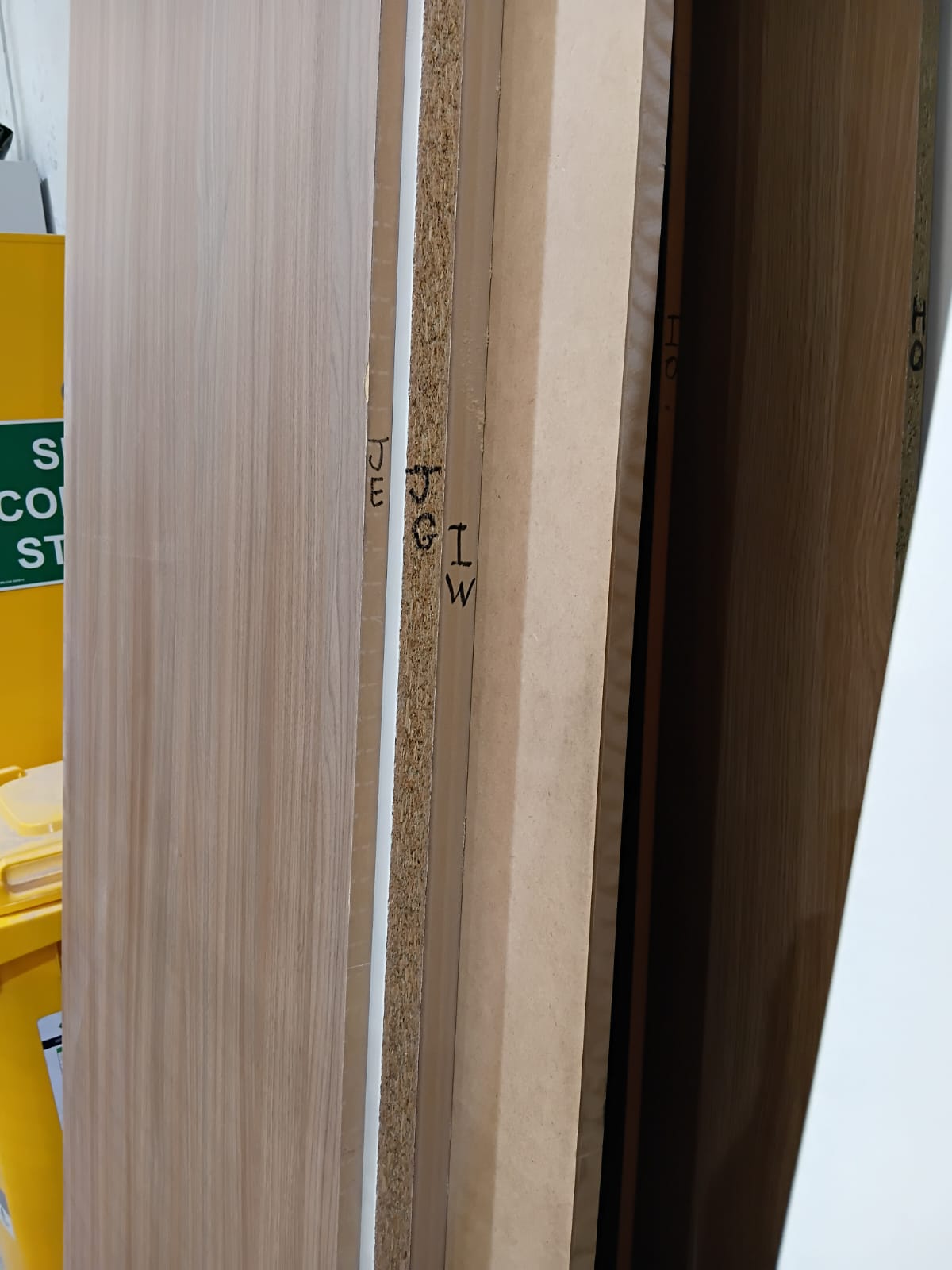
Measure the physical offcut, enter its details in the Store page, save it, then write the generated board code on the board so it can be found later.
Search using the offcut details you know, then check the result code and match it with the physical board that has the same code written on it.
These photos show examples of boards after their codes have been written on them; once the system search gives a code, staff can use it to identify the correct physical board.